Schematic planner
A complex model needs a block layout, but its thin features may become fragile or disappear.
3d to minecraft schematic covers the route from a general 3D source to a Minecraft schematic.
3d to minecraft schematicModel conversion
A mesh can guide a Minecraft build, but its smooth surfaces, textures and proportions must be interpreted as blocks. Start with the shape you want, then check whether the result is practical to build.

The source model describes continuous geometry; a Minecraft build occupies a grid. These differences explain why a recognizable design may still need edits.
Shape
3D mesh
Vertices and faces can form curves and fine angles.
Minecraft block build
A stepped outline approximates curves with blocks.
Surface detail
3D mesh
Textures can show details smaller than the geometry.
Minecraft block build
Visible detail depends on block choice and build scale.
Colour
3D mesh
Materials may use gradients and precise colour values.
Minecraft block build
Available block colours provide a limited palette.
Scale
3D mesh
Dimensions can be changed continuously.
Minecraft block build
Each occupied position is a whole block.
Interior
3D mesh
A surface mesh may have no usable interior.
Minecraft block build
A build can be hollow or filled; that choice affects materials.
Placement
3D mesh
The model can be rotated freely in a 3D editor.
Minecraft block build
The build must fit its intended location and orientation.
Small details disappear first. Choose the next step according to the source file and the format you need, rather than assuming every model follows the same route.
A complex model needs a block layout, but its thin features may become fragile or disappear.
3d to minecraft schematic covers the route from a general 3D source to a Minecraft schematic.
3d to minecraft schematicA textured GLB looks complete in a viewer, though its texture detail may not survive as individual blocks.
glb to minecraft schematic focuses on that file type and its schematic destination.
glb to minecraft schematicAn OBJ supplies geometry, while colours or materials may depend on separate files.
obj to schematic minecraft explains what to check when starting with OBJ geometry.
obj to schematic minecraftA block design already exists as a schematic, so the concern is file compatibility rather than rebuilding the shape.
schem to litematic addresses that schematic-to-Litematica format path.
schem to litematicA Litematica design needs a different destination format, and unsupported blocks may require substitution.
litematic to mcstructure examines the format change to a Bedrock structure file.
litematic to mcstructureUse a clear subject, approximate dimensions and important features when describing a build. The previews below illustrate briefs to assess; an image alone does not establish that a usable schematic was exported.
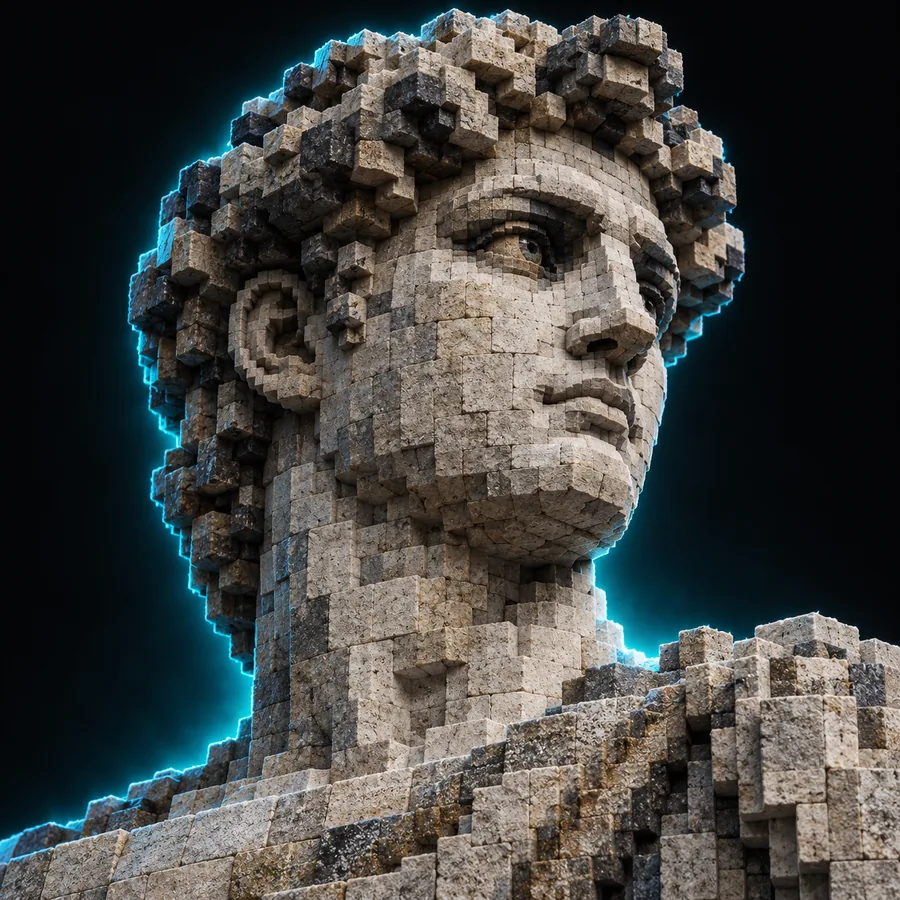 Character
 Structure
 Landmark
Inspect the design from the front, side and top. Confirm its dimensions against the available space, look for missing thin parts, and decide whether its block colours preserve the subject. If you need a specific import file, verify the actual export format and test that file in the intended Minecraft workflow; a preview is not proof of compatibility.
Create build designNot at every scale. A large, simple silhouette usually reads more clearly than a model whose identity depends on tiny surface details. Test the shape at the intended block dimensions before committing to a full build.
A texture does not automatically become an equivalent set of Minecraft blocks. Gradients, printed details and subtle shading may need deliberate block substitutions or a larger build to remain visible.
No. A preview shows an appearance, while an importable file must contain block data in a format supported by your chosen workflow. Check the available export and open the resulting file in the intended tool.
Start with the space available in your world and the smallest feature that must remain readable. Enlarging the build can preserve more detail, but also increases its footprint and the blocks required. Review all three dimensions before building.