Concept builder
You have a scene in mind but no finished mesh.
Explore how a design idea can become a block-based Minecraft concept.
3d model to minecraftModel to blocks
A 3d to minecraft schematic workflow turns a shaped model into a block-based structure you can inspect and plan around. Start with a clear subject, then check scale, materials, and the available export options before using the result in your world.

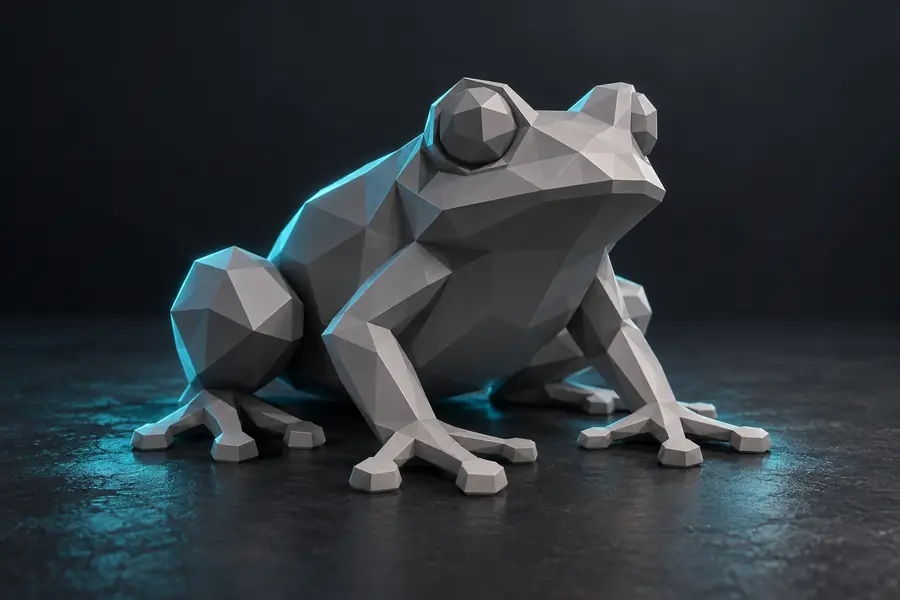
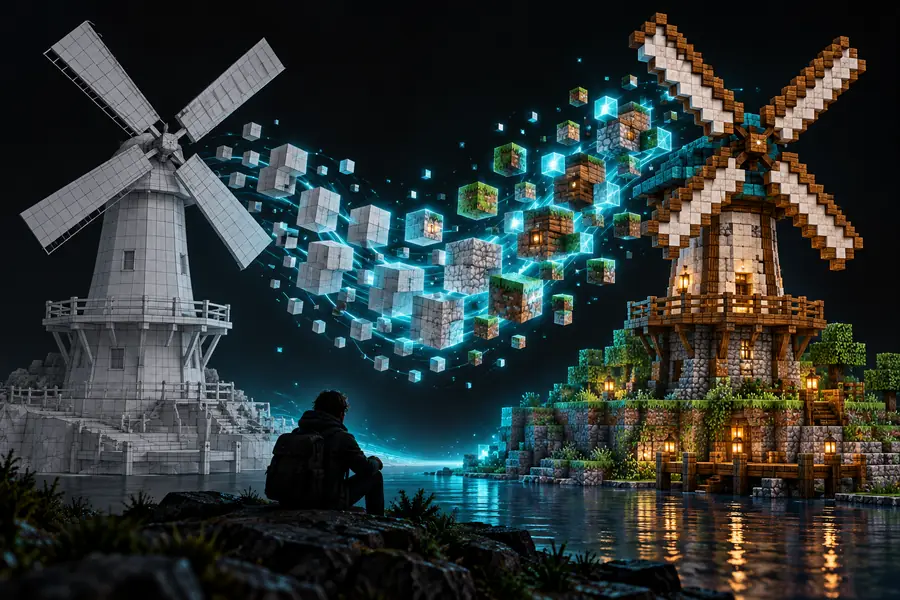
A mesh describes surfaces and curves; a schematic describes placed blocks. The visual comparison illustrates that change in building language, not a verified export of the pictured model.
 Model concept
Block interpretation
Model concept
Block interpretation
Illustrative comparison; these images are not a documented before-and-after conversion of one file.
Model conceptBlock interpretationConversion replaces continuous geometry with discrete positions and materials. That makes the design easier to reason about as a Minecraft structure, but some detail needs deliberate simplification.
Basic unit
3D model
Vertices and faces define a surface.
Minecraft schematic
Blocks occupy grid positions.
Curves
3D model
Can appear smooth at many scales.
Minecraft schematic
Become stepped outlines.
Color
3D model
May come from textures or materials.
Minecraft schematic
Must be approximated with available blocks.
Interior
3D model
May be hollow or have no modeled interior.
Minecraft schematic
Needs a deliberate choice of filled or usable space.
Scale
3D model
Uses the model's own dimensions and units.
Minecraft schematic
Uses a count of blocks in each direction.
Placement
3D model
Viewed or edited in 3D software.
Minecraft schematic
Intended for inspection and placement with compatible Minecraft tooling.
Begin with the input you have and the result you need. These related workflows help separate model creation from file-format conversion.
You have a scene in mind but no finished mesh.
Explore how a design idea can become a block-based Minecraft concept.
3d model to minecraftYour source design is stored as a GLB file.
Check the considerations specific to a GLB source before planning a schematic.
glb to minecraft schematicYour model is an OBJ with geometry and possibly separate material files.
Review how OBJ geometry and materials affect a block-built interpretation.
obj to schematic minecraftYou already have a .schem file and need a Litematica-oriented workflow.
Focus on converting an existing schematic rather than starting again from a mesh.
schem to litematicYour starting point is a Litematica file, but your destination uses MCStructure.
Examine the separate format and edition considerations for that route.
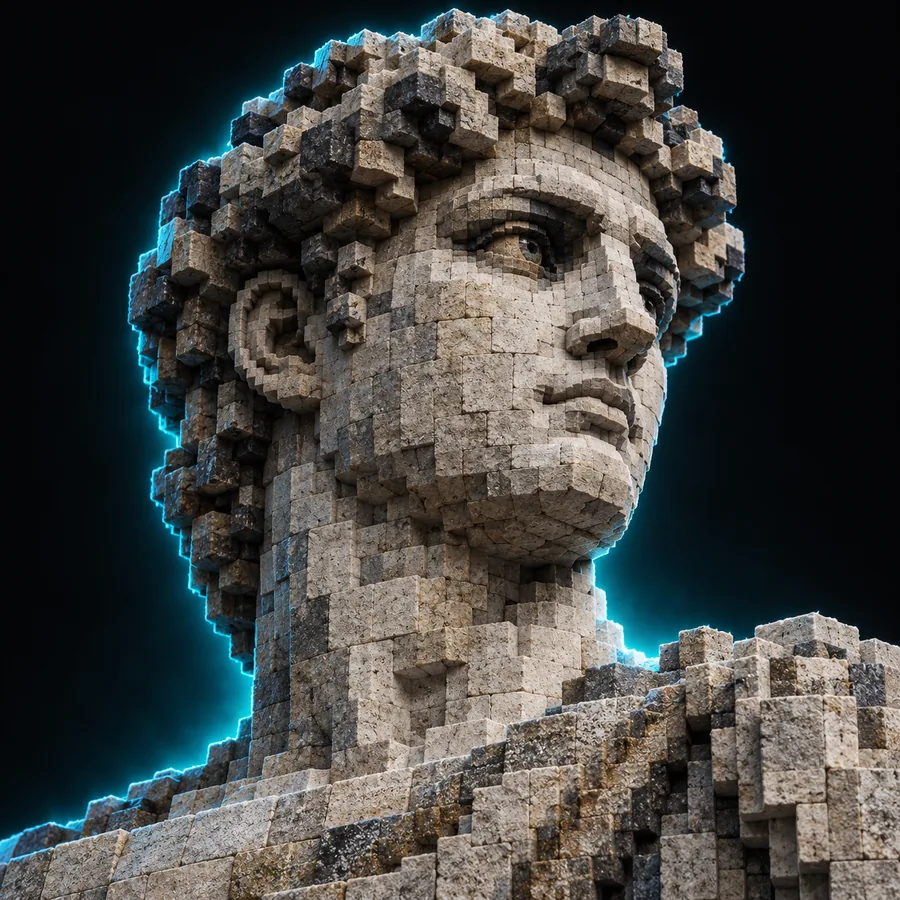
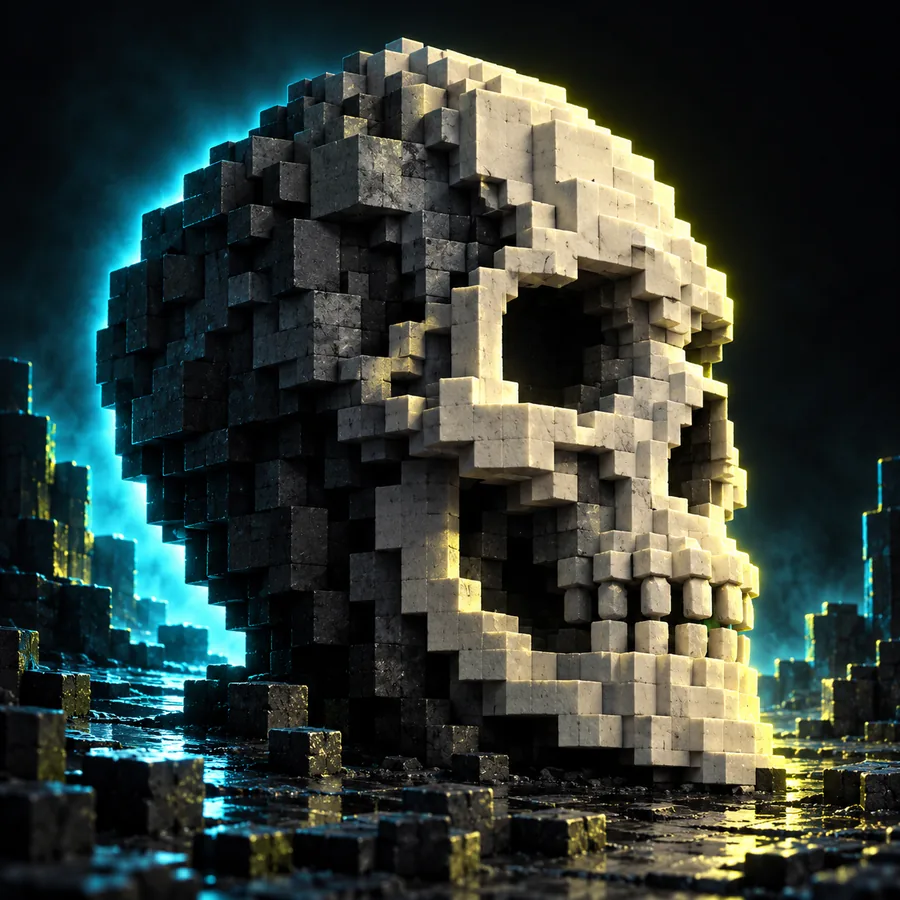
litematic to mcstructureUse these examples to decide what to specify before conversion. The input descriptions are planning examples, not documented prompts that generated the pictured images.
 Silhouette
 Palette
 Scale
Scale
Choose a model or describe a structure with a distinct outline. Note the dimensions, essential colors, and whether its interior should remain accessible.
Look for broken silhouettes, missing openings, unexpected solid areas, and colors that no longer communicate the original design.
Confirm the tool offers the file type you need. Open any exported file in compatible software and check orientation, dimensions, and block selection before placing it.
3dtolitematic can point you toward a Minecraft-focused creation workflow. Describe the structure you want, then verify the available output and compatibility in the tool before treating it as a ready-to-place schematic.
Explore build creationIt means translating a three-dimensional design into a grid of Minecraft blocks and saving that arrangement in a schematic-compatible format. A visual block design alone is not necessarily an exportable schematic, so check the actual file offered by the tool.
No. Curves become stepped outlines, and fine textures need approximations using available blocks. A larger block scale can retain more recognizable detail, but it also produces a larger build.
Check its orientation, dimensions, openings, and whether it has an interior worth preserving. Identify which colors and shapes are essential so you can judge the block interpretation against the original.
Not necessarily. Placement depends on the exported file type, the Minecraft edition, and the software or mod used to open it. Verify compatibility and inspect the file before making changes to a world.